Replacing the battery, and then the screen, of a Pixel 6 Pro cell phone - posted on 2026.08.08
- Introduction
- Opening the Phone; Replacing the Battery
- Well Crap, I Broke It
- I'm Done Wallowing, I Can Fix This
- Thoughts Now That It's Done
Introduction
(Disclaimer: I link to a lot of products at the iFixit store in this page. I bought everything I'm mentioning with my own money, and iFixit doesn't have anything to do with me or this site, unless you count accepting my money and shipping me items in return.)
I have a Pixel 6 Pro phone, a good Android phone that was released toward the end of 2021. It is fast enough, has 12 GB of RAM (I'm writing this in 2026; that's relevant right now), and has a camera that is still about as good as you can cram into a thin cell phone body.
The problem is that, as it reached four years of age or so, the battery life started to wane precipitously. At first I just switched it into "Battery Saver" mode in order to get it through a full day, but by the spring of 2026 even that wasn't enough to make it to bedtime without needing a recharge to prevent it from shutting down.
There are no features in newer Android phones that appeal to me over what I already have. A new phone is going to cost me hundreds of dollars (I'm not even going to consider the phones that go for more than USD 1000, the folding screen phones and the like). And, I'm a moderately ornery middle-aged man with electronics tools and a soldering iron and did I mention that I'm ornery?
iFixit is a website with repair guides for free, and will also sell you tools and, for some products, replacement parts. iFixit is also an official distributor of Pixel phone repair parts, so I bought a battery from them to install. It was 50 dollars, so not as cheap as buying a battery from FIVELETTERSCOMPANYNAME on Amazon, but iFixit gives a real warranty and customer service and very good documentation. Paying 30% more for a better transaction is worth it to me. I also paid 25 dollars more for an additional tool (an anti-clamp to help separate the screen from the frame), but that's something I expect I'll be able to reuse in the future.
The box with the battery and the tools arrived quickly and I set the box in the corner of the office and ... I didn't open it. Opening up my cell phone was frightening. Looking through the battery replacement instructions, this required hours and heating up the screen and prying out the glued-in battery and ... it was a lot. I'm good at soldering and happy to unscrew a device, but I hate glue, and heating up a lithium-ion battery always gives me the heeby-jeebies.
But the battery life on my phone kept getting steadily worse, and I'd already bought the parts. It took me two months to work up the combination of time, space, and mental fortitude, but one day in June I decided to go for it.
Opening the Phone; Replacing the Battery
Following along with the iFixit instructions, I removed the SIM card and its tray, heated the screen, and carefully started separating the screen from the phone's body. The instructions are excellent, but the warmed adhesive gets very gooey and doesn't always want to separate neatly. The glass screen was much thinner than I would have thought, maybe two millimiters thick. It felt terribly fragile (foreshadowing!).
Once the screen adhesive had been cut through, handling the screen wasn't so bad. If you're reading this because you need to make a similar repair: Move slowly and deliberately, and be careful about the flex cable that runs from the back of the screen to the phone's mainboard. If you're not sure, just stop and think about the next step. You can always go slow and try to come at it from a different angle, and haste is only going to cause problems.
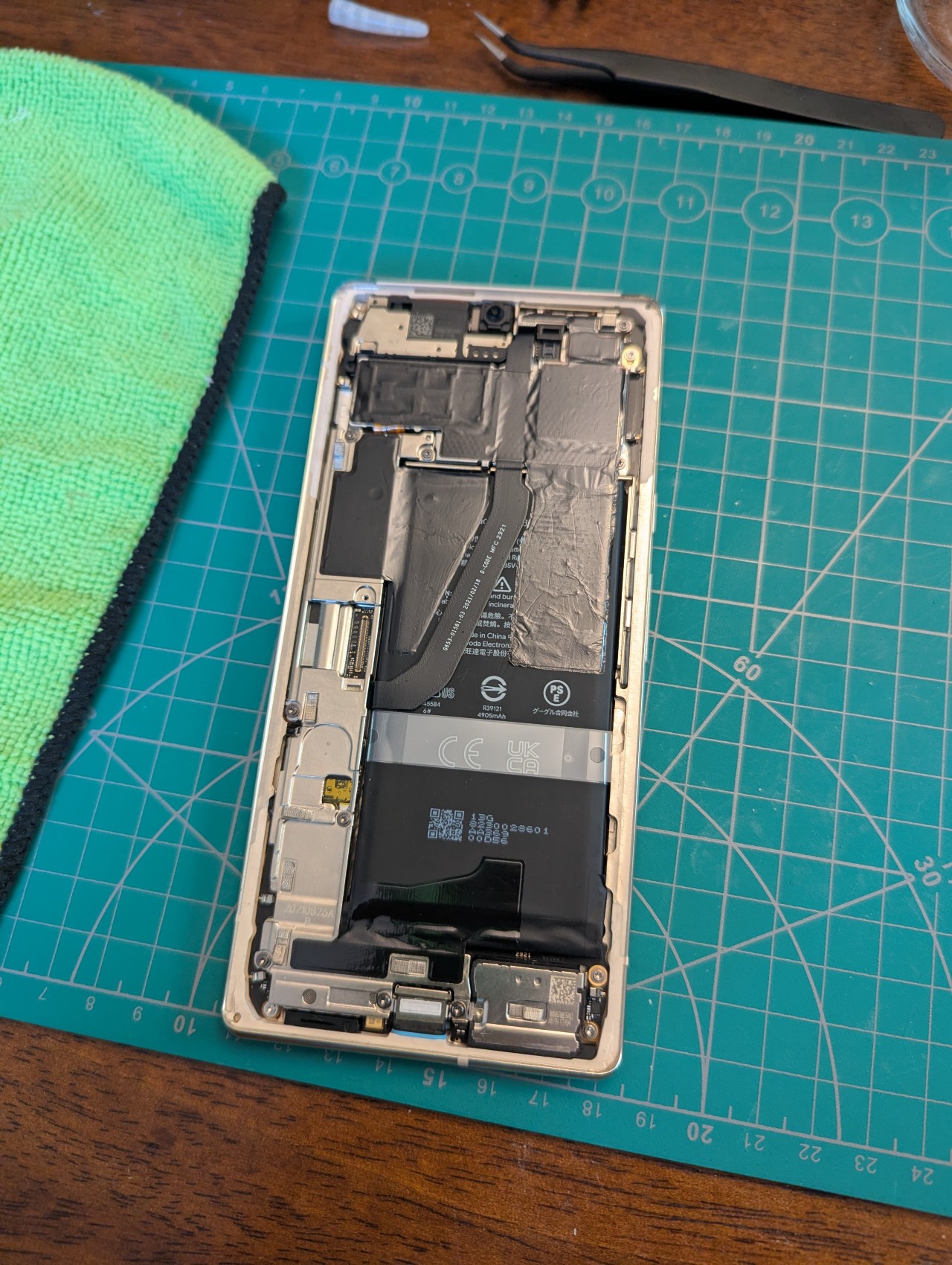
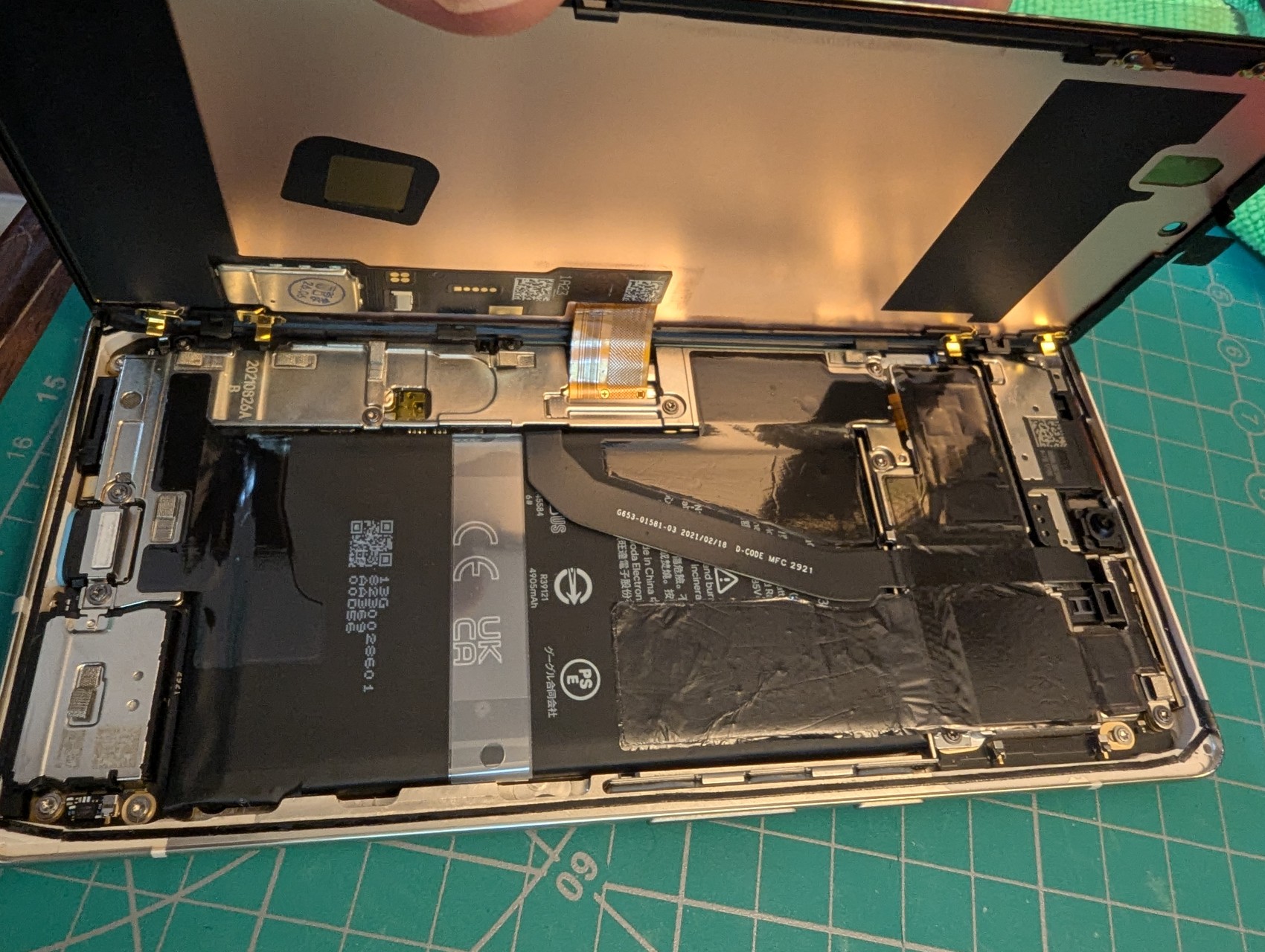
With the screen removed and set gently aside on a cloth, this is what the inside looked like (Elapsed Time: ~60 minutes):
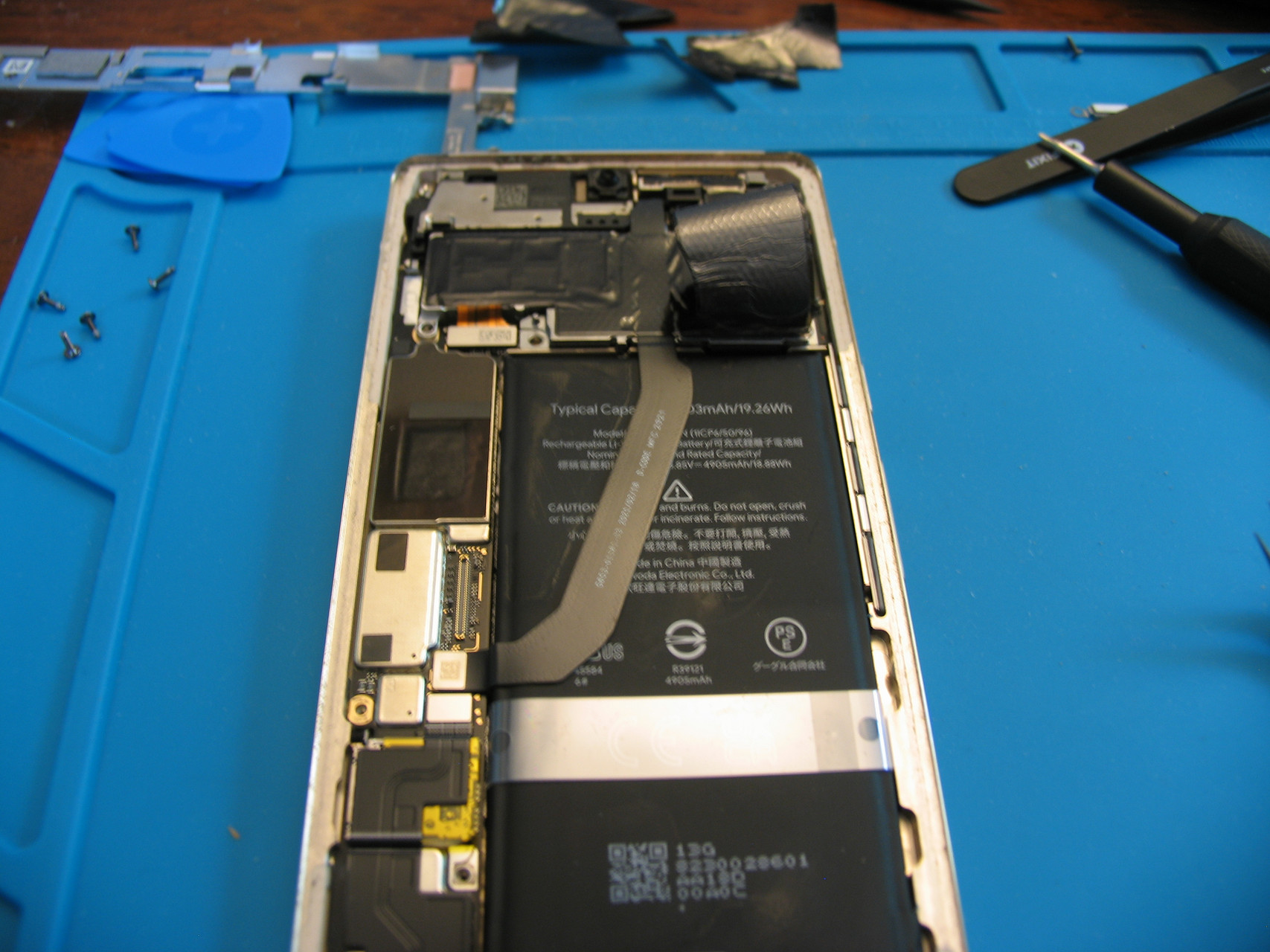
In order to remove the battery, it needed to be heated from below -- through the back case of the phone -- to soften the adhesive. Even though it had loosened up, it still required some very nervous prying on my part. Some of the black adhesive tape bonding it to the metal case tore, but that's not critical.
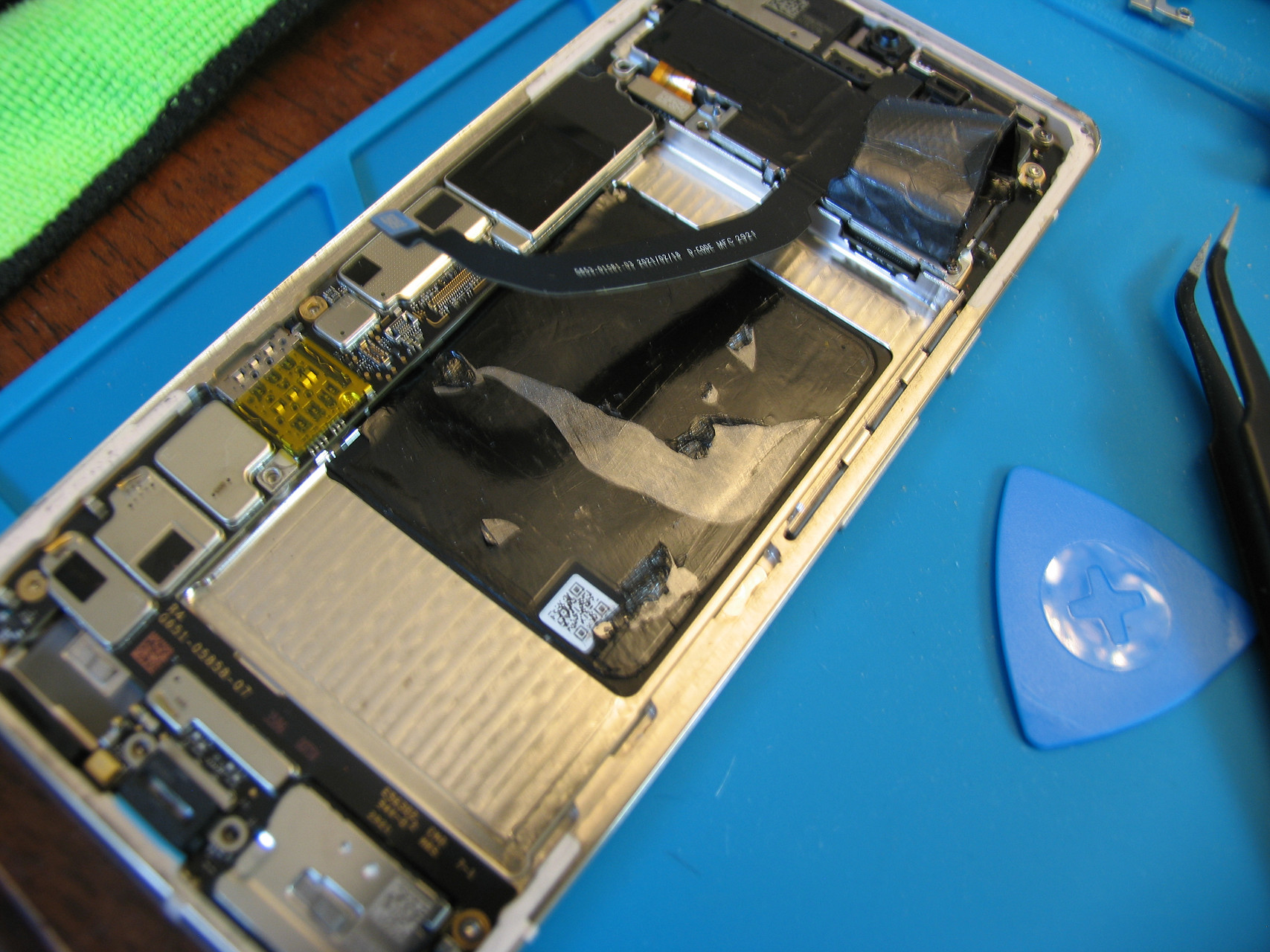
The battery was now safely out. The next thing to do was to clean up aaalllll of the tiny bits of adhesive residue around the edges of the frame and of the screen assembly. This is so new adhesive can be applied and seal the phone again. It involves lots of rubbing alcohol, cotton swaps, plastic scraping edges, and patience. Once that was done, I installed the new battery and all of those pieces of black tape (Elapsed Time: ~120 minutes).
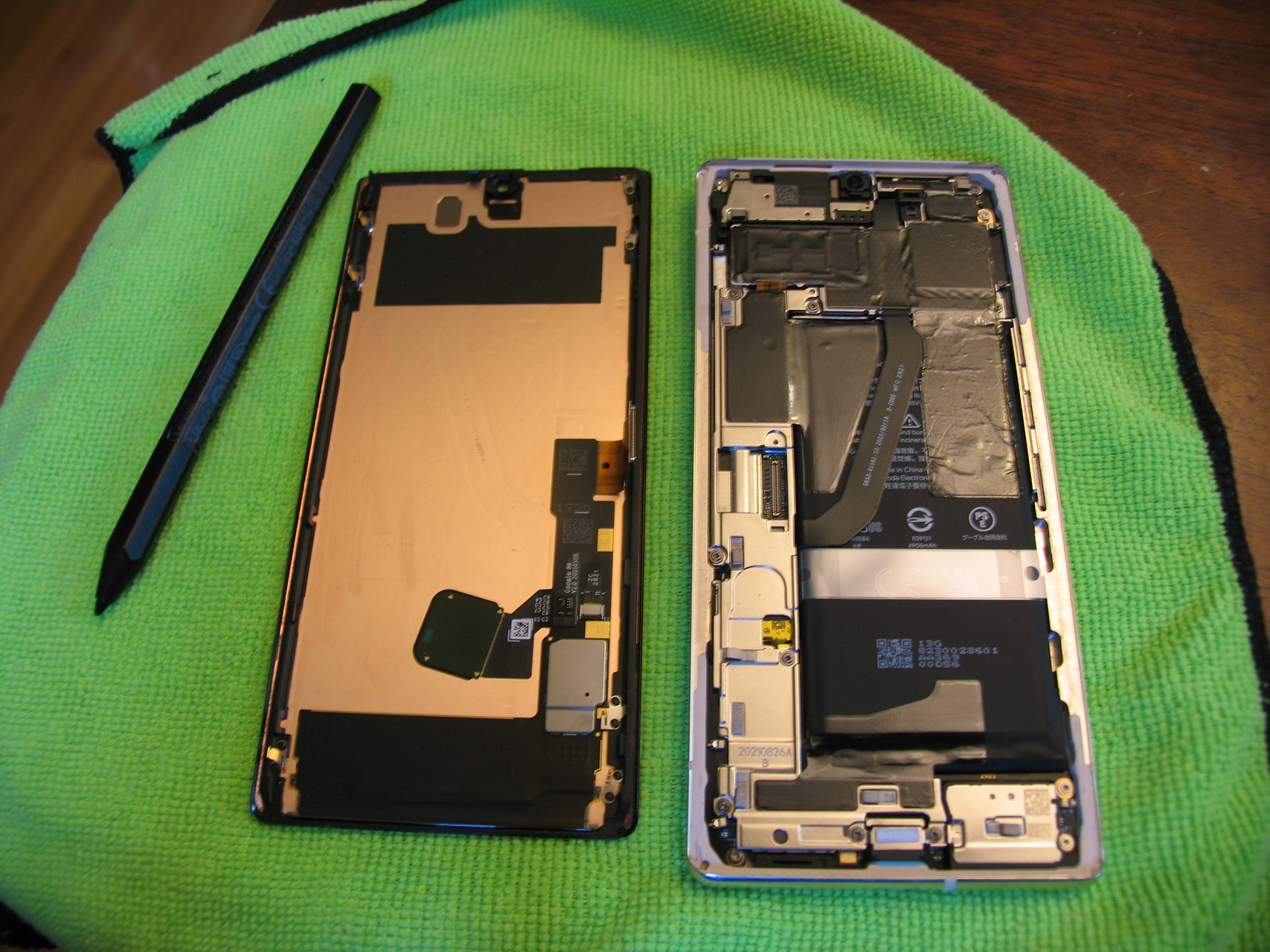
Following the iFixit instructions, I quickly reconnected the screen and powered the phone back on. It started up perfectly and everything was great. I was thrilled. I disconnected the screen again to continue.
At this point, all I had to do was apply new sealing adhesive around the edges of the frame, then reconnect the screen again and lay it on top. How hard can that be? Well, the adhesive is a pain to place but just takes time (and good tweezers, they came with the battery), but the screen? That was where it went wrong.
I had the new battery in, I was home free, I carefully laid the screen assembly back onto the frame and it all seemed good. Then I pressed gently around the edges of the screen to push it onto the adhesive, and at the top right corner of the screen I felt -- I didn't even hear it, only felt it -- a faint crunch.
Well Crap, I Broke It
I immediately turned the phone on, and to my dismay I saw this:
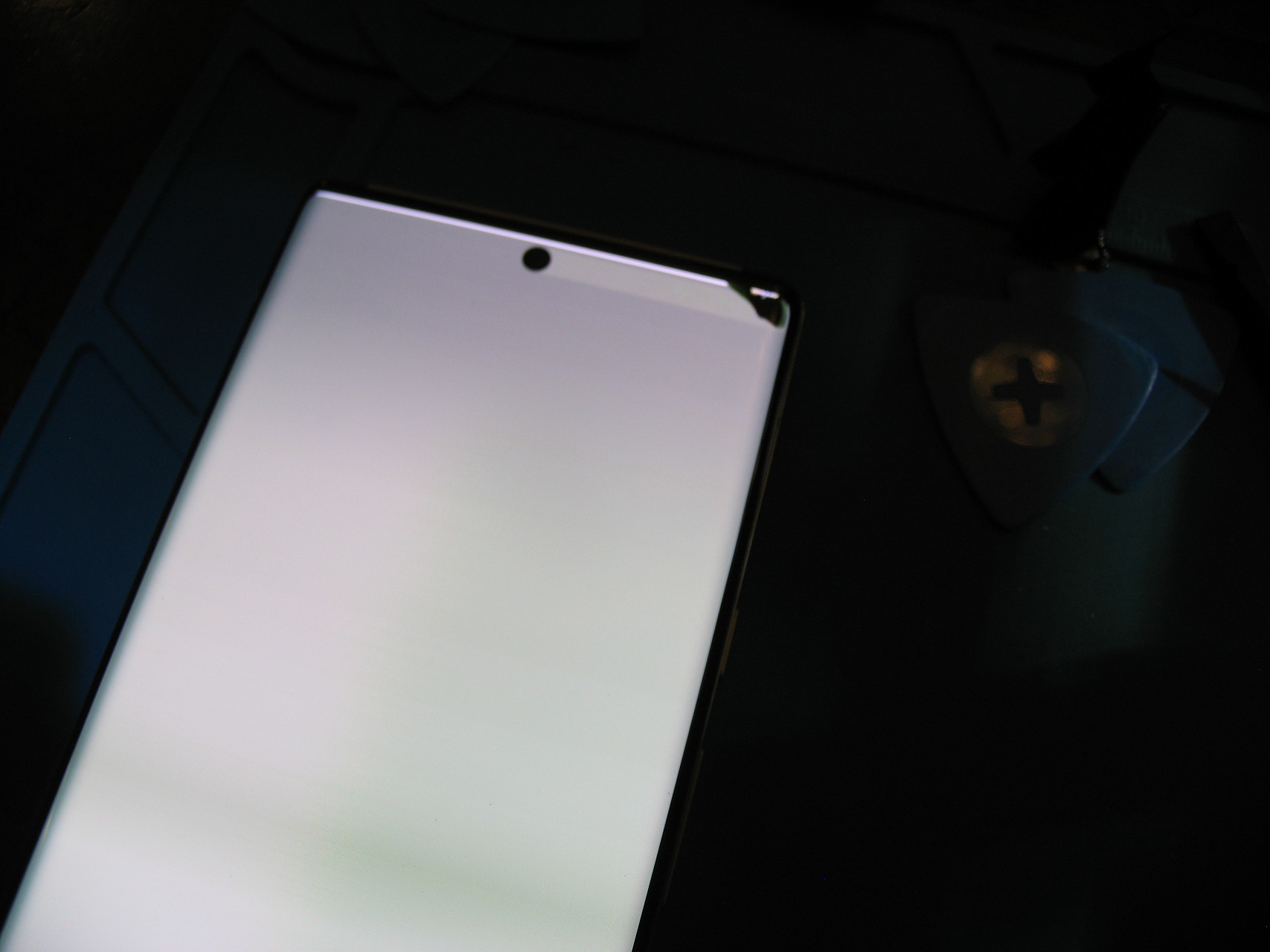
I'd broken the screen. I gently pulled the screen back away from the frame at that corner, to see that there was a small (2mm long) plastic post on the back of the screen that hadn't gone neatly into the corresponding hole on the frame. I hadn't noticed it, and when I'd pressed the screen down onto the adhesive I'd applied enough pressure to crack the glass.
Cracked glass isn't something I can repair; I don't know that it's repairable by anyone. I had been so close! I looked at the price of an OEM screen: 250 dollars.
I cleaned up my work area, and the broken phone, and felt awful (Elapsed Time: 180 minutes).
I'm Done Wallowing, I Can Fix This
It took me about three days of feeling like an idiot before I thought to check for a replacement screen elsewhere. Aliexpress had them cheap enough that I could roll the dice and not be out hundreds of dollars if it didn't work. Or, even worse, if it did work and I broke a screen again. I bought this screen (the AMOLED model, since it wasn't that much more expensive and was the same as I'd be replacing) and it was delivered about a week later for less than 40 dollars.
It was time to try again.
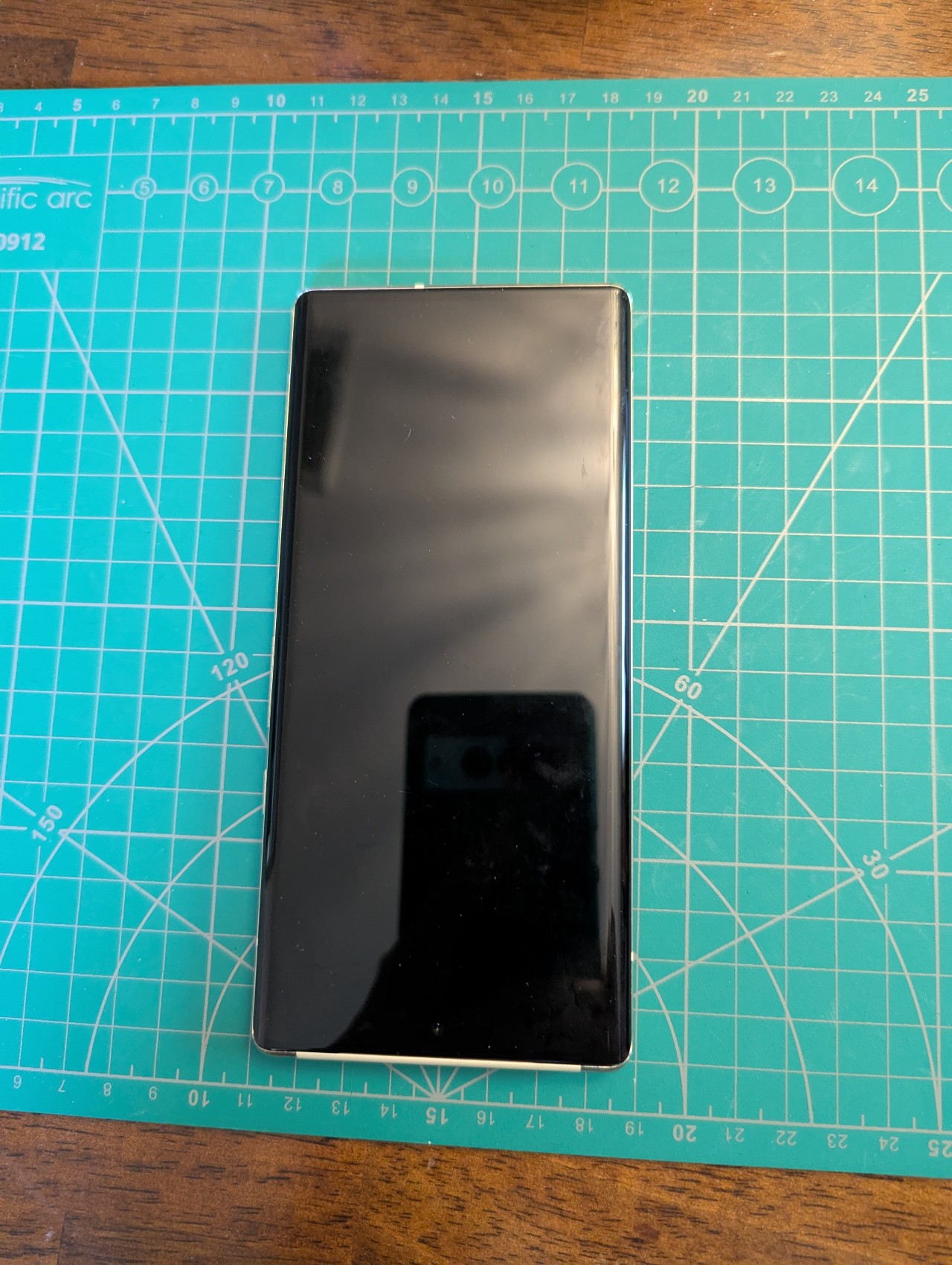
If there's a bright side, I already had the experience of removing the screen once, so I knew how gooey the adhesive could be and was comfortable getting inside the phone. I had to remove and clean up all of the adhesive, but it wasn't as bad as the first time around. I figure it hadn't spent four years squished tightly between the glass and the metal frame.
The iFixit battery replacement kit had included a pre-cut adhesive that exactly matched the outline of the frame. But I'd already used that up, it had been applied to the frame and then wedged between that and the screen I broke. Removing the screen ruins the adhesive, so now what? I wanted the phone to be sealed up again, at least resistant to water and dust if not something I was going to have in my pocket as I wade into a lake.
Something sparked in my memory, and I went rooting through my bin of adhesives.
I pulled out a wide (25 cm) circle of very, very thin (1 mm) tape.
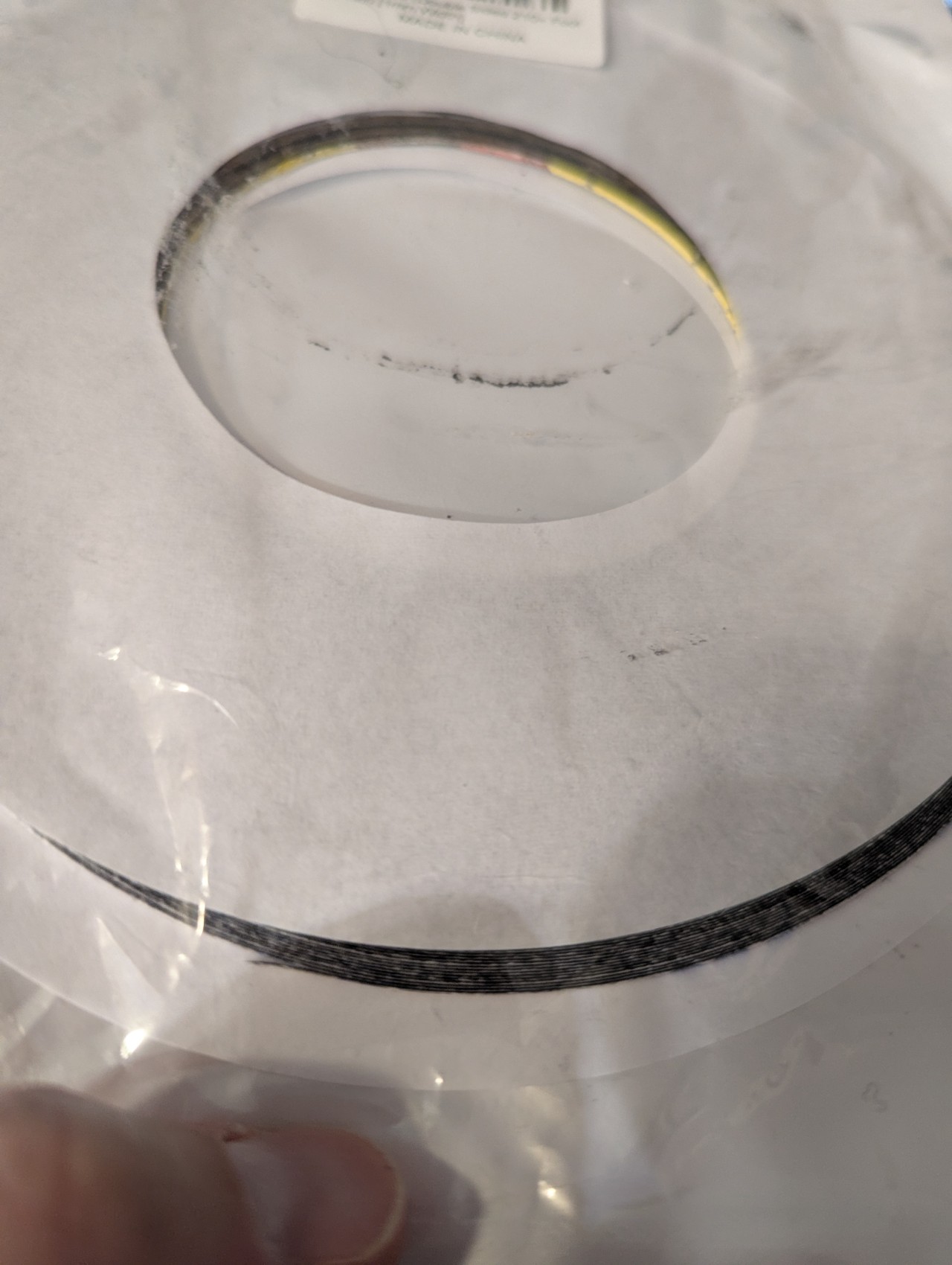
I do not remember where or when I bought this tape, but it's been sitting in the adhesive bin for longer than I've owned the phone I was about to use it on. It's not in my purchase history from Amazon, or eBay. Maybe I bought the roll for one dollar at the MIT Swapfest? My hazy recollection is that it was inexpensive, and that the seller described it as being the kind of tape that was used to seal up cell phones. I likely thought that was worth a dollar.
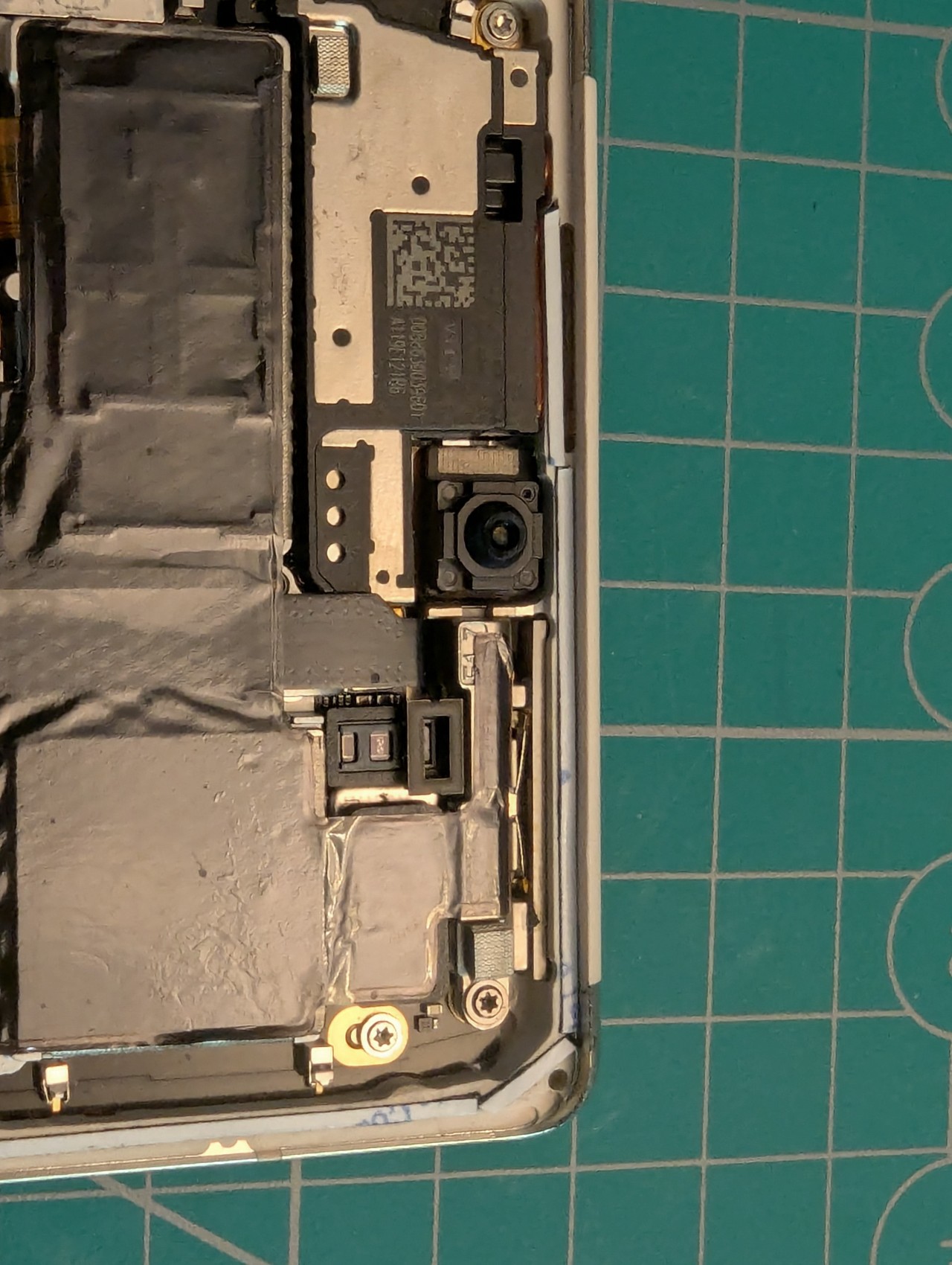
Now I began cutting and fitting the tape to the frame running around the outside of the phone. I could cut long straight runs for the sides, but had to work in smaller segments going around corners or where the frame jinks to make space for the mmWave antenna.
It was only after I was all set to connect the new screen and brave the reassembly process again that I realized that the new screen didn't have a fingerprint sensor installed. Looking back at the sale page on Aliexpress, this is quietly mentioned but I'd missed it -- the instructions there said that it could be transferred from an old screen. I don't use the fingerprint sensor on my phones, but I thought I'd try to do this just for the sake of completeness.
That turned out to be a bust.
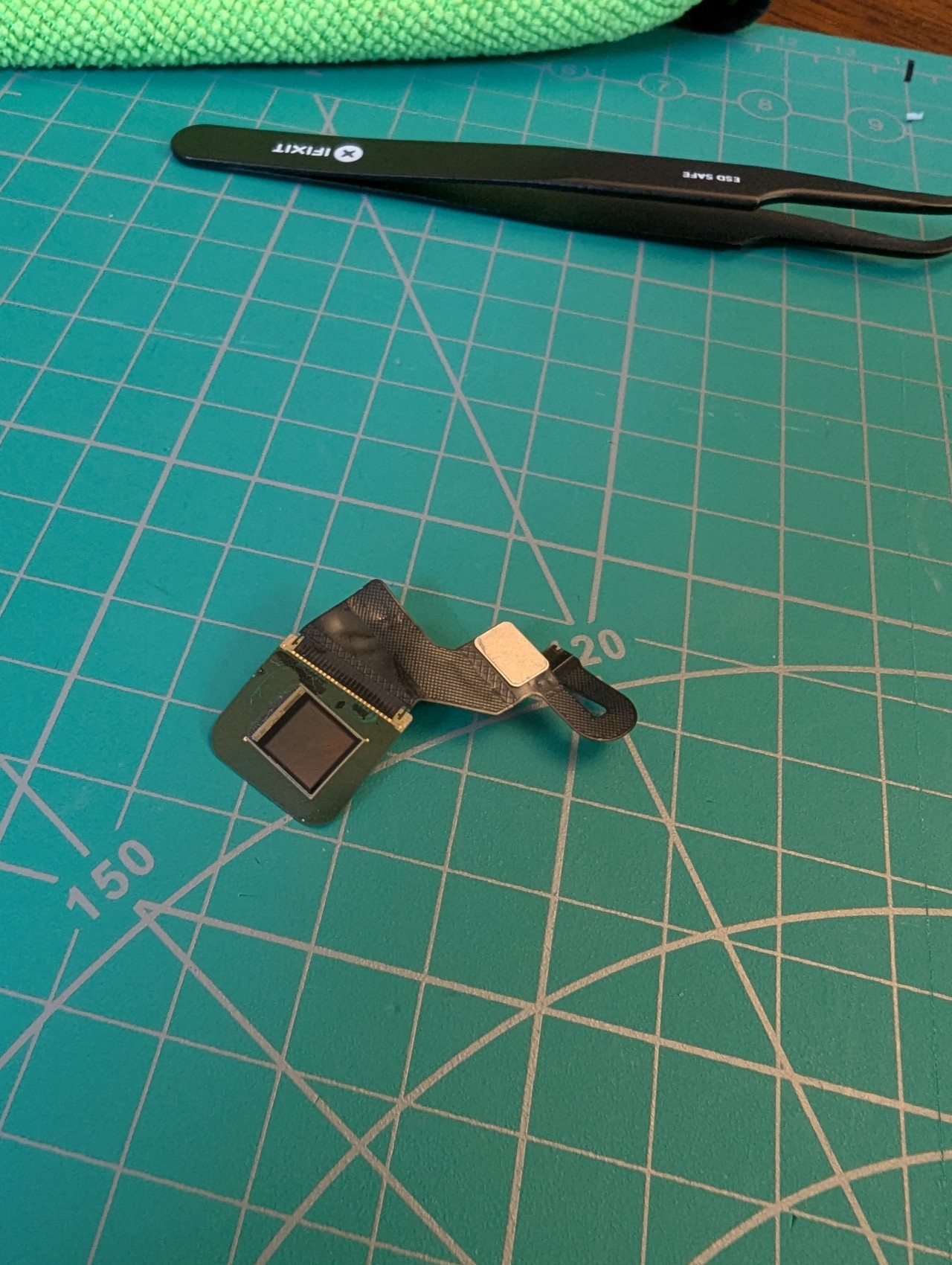
The fingerprint sensor is the thinnest layer of glass (silicon?) imaginable, adhered very tightly to the inside of the display. I cracked it upon removing it. I might be able to accomplish the removal with more application of heat and patience, but I let it go. The phone works perfectly without the fingerprint sensor, so it doesn't cause any issue. It's a feature I don't use, but keep it in mind if you do.
With that brief detour unsuccessful but concluded, it was time to peel off the sealing tape backing and put the screen back on.
Given how I'd screwed up this part of the process last time, I was going extra slow and I found it extra stressful. And the same corner post was the problem! I could get the entire screen seated properly, but that blasted plastic post wouldn't seat in its opposite hole! If I did that stubborn corner first, the rest of the screen wouldn't slot into place!
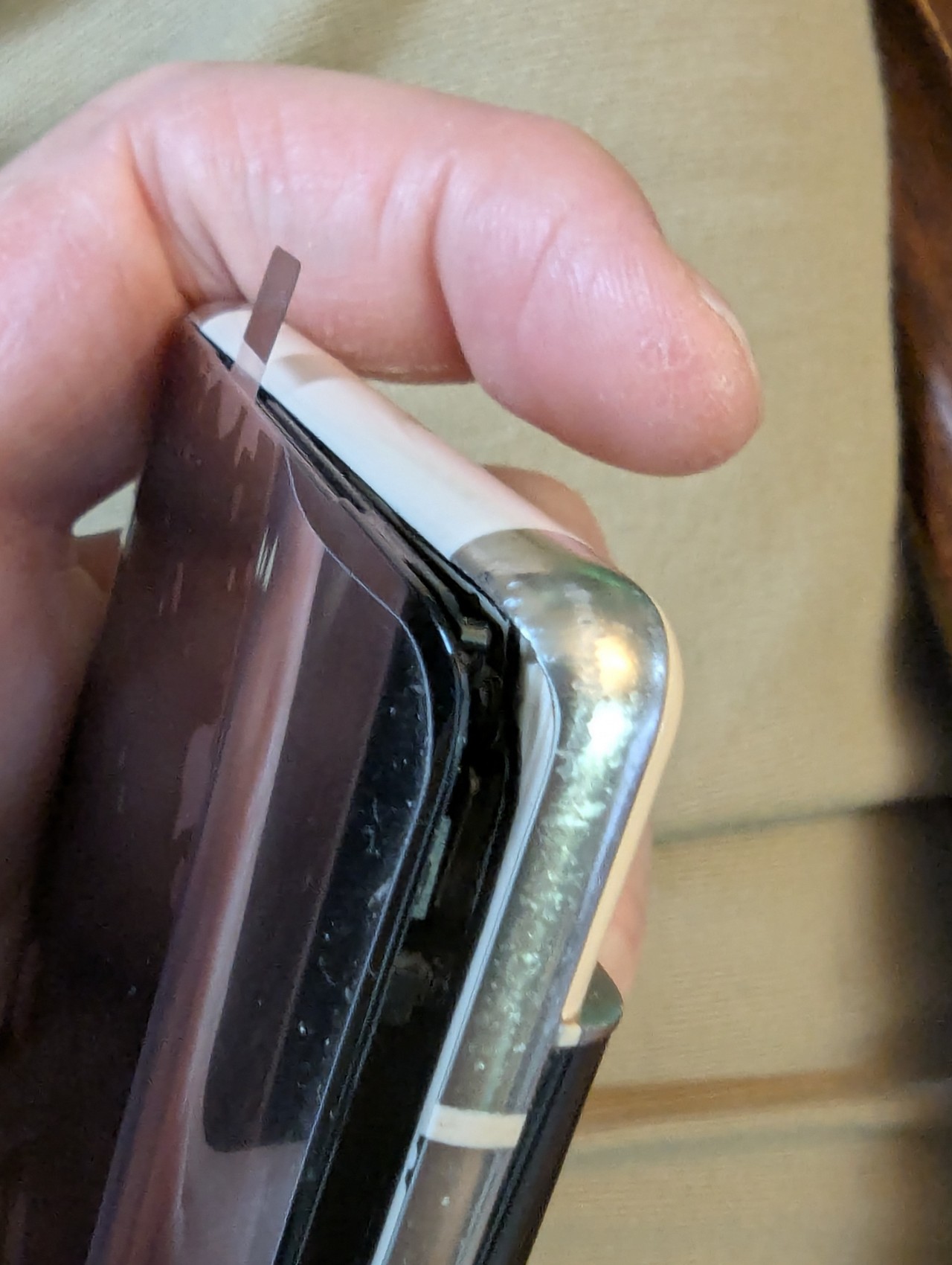
After oh-so-carefully trying to get the screen to cooperate and settle into its new home -- I must have been stuck at this stage for 20 minutes, if not more, muttering more and more loudly the entire time -- my kid spoke up from the couch: "Can you just cut the post?"
On the one hand, this felt like cheating. On the other hand, I'm very much not above hackery, and I really wasn't sure what to do otherwise. I didn't completely remove the post, I only trimmed one mm (half of its length) off of it. With that haircut complete, I set down my flush cutters and tried again. The screen slid perfectly into place. A quick hold on the power button, and the screen lit up bright and, importantly, intact.
I'm not going to claim that the Peggle "Ode to Joy" started playing spontaneously, but it felt like that.
After fifteen minutes to drink a glass of water, wash my hands, and breathe, it was on to the final step: pressing the screen evenly to complete the seal. iFixit has a separate page of instructions just applying the adhesive, and at the end it has photographs showing how to prepare the phone and stack books on it for weight.

I left the phone under the books for 24 hours. After that I unburied it, turned it on, and went on my way with phone in pocket.
Thoughts Now That It's Done
Holy crap, that was an unpleasant process. It's a month and a half since I finished repairing the phone, and I needed some distance before I was ready to write about it.
My first, and strongest feeling, is that no one should need to apply heat and cut through old glue and experience fear and anxiety to replace a battery on a phone. Or a laptop, or a video game system, or any small consumer electronics. I absolutely believe that sealing electronics this way is intended to force people into buying a new device sooner than would otherwise be necessary. The rechargeable battery in a frequently used device is going to fail within five years, even if none of the rest of it is. The devices themselves aren't getting substantially better anymore, year over year. A new phone in 2026 is going to be an expensive replacement for an otherwise-working 2023 model, and we as consumers are expected to be happy with that? For no benefit other than having a new battery?
This feels predatory. Especially since phone batteries for smartphones, Nintendo handhelds, and similar electronics were easily replaceable ten years ago. Making the products worse, and costing consumers more money, was a deliberate choice by the manufacturers. We know that consumer electronics don't need to be designed to be this user-unfriendly, because they weren't designed like this in the recent past.
Having replaced the battery on my phone, and then the screen on my phone, I am confident that I can do it again. I won't enjoy it, but I know it can be done. My Pixel 6 Pro has been working perfectly with its new parts for the past six weeks, and I can again get a full day of use on a full charge.
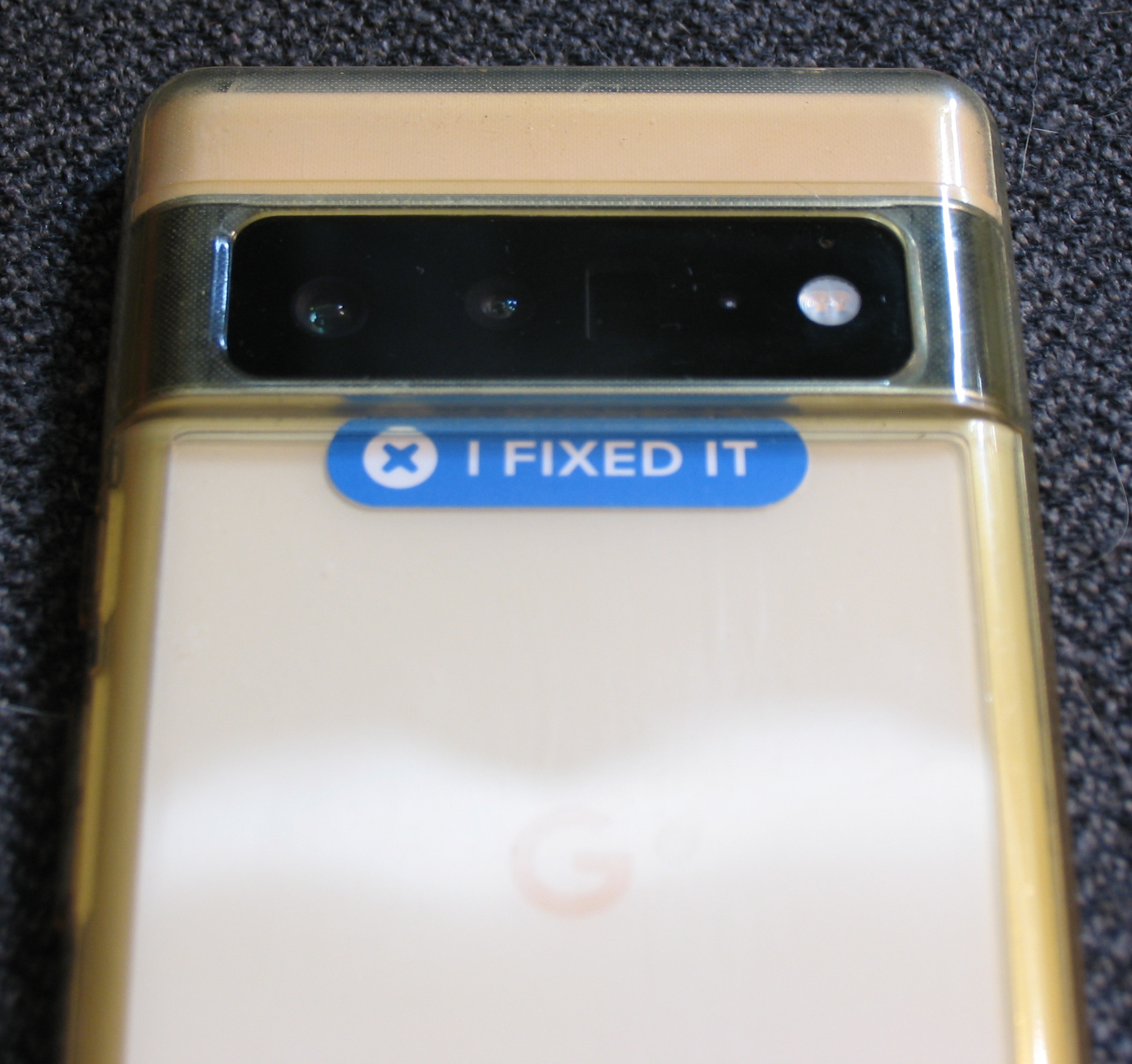
The last thing to do with my repaired phone was to apply the sticker.