IBM 5153 CGA Monitor
I saw a Craigslist post on a Friday, saying that there was a garage clear-out that day, followed by junkers arriving on Saturday to take everything that was left. Everything in the garage was free to take.
I don't need more tools (I'm trying to give away tools), I don't need filing cabinets ... I also don't need a 40-year old monitor, but that's what I saw on a back shelf in one of the listing photos.
After navigating around road crews and finally making it to the listing address at lunchtime, I walked in to see that the monitor hadn't been taken yet. The property owner was gleeful to have someone interested in it, and when I said I was hesitant to test it out before taking it, they said, "Let's send it!" Despite being coated in decades of cobwebs and sawdust, the monitor powered up immediately, green LED flaring and the tube glowing bright in less than 5 seconds. I carefully placed it in the back of my car and brought it home, and deposited it on a portable work table in my garage.
It's an IBM 5153 CGA Monitor, IBM's first color monitor for their introductory personal computer, the 5150. It's beige and solid and of very high quality, as evidenced by the fact that it fires up in seconds after sitting in a barn collecting dust for a few decades. I'm genuinely impressed by this thing.
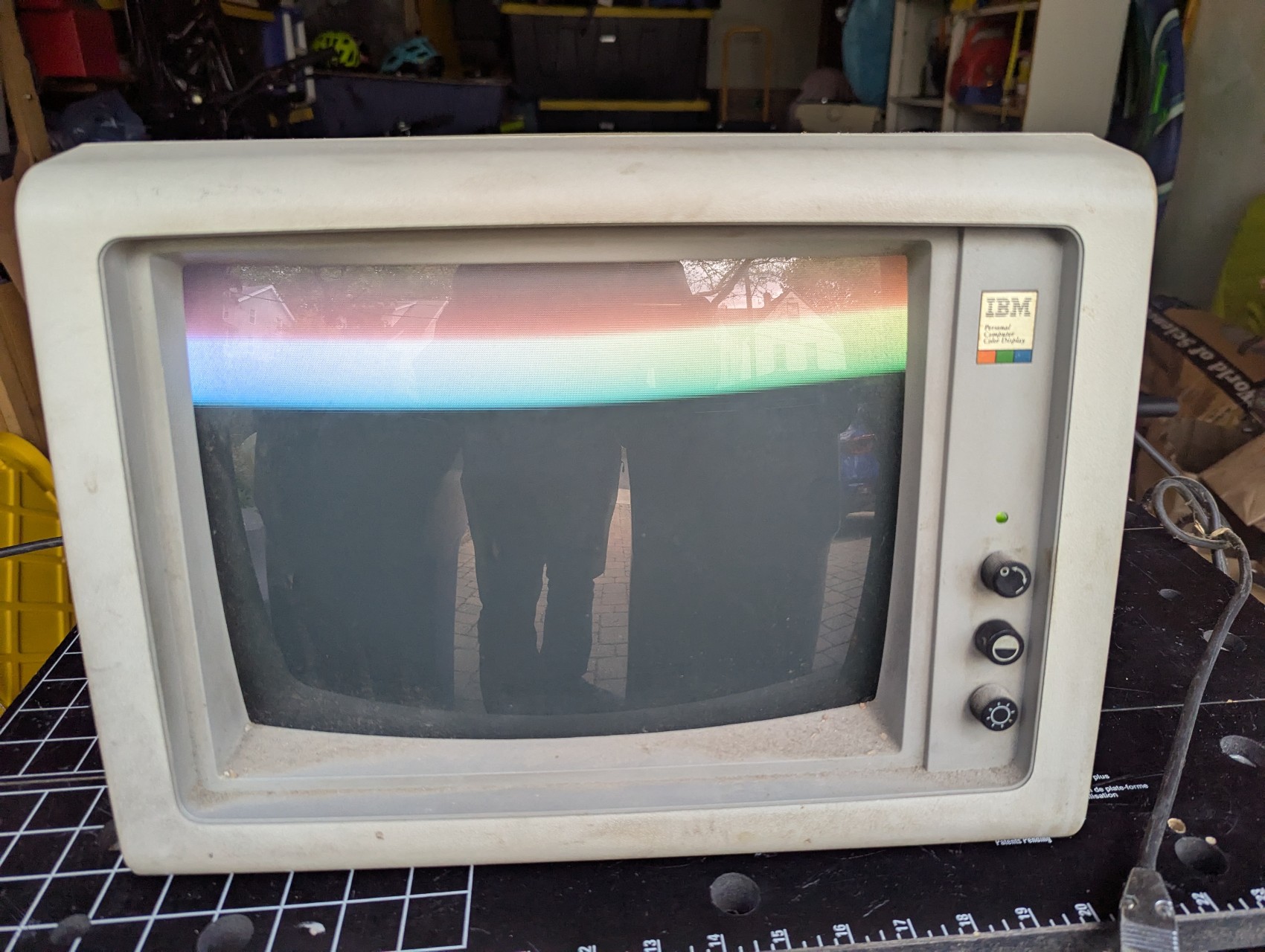
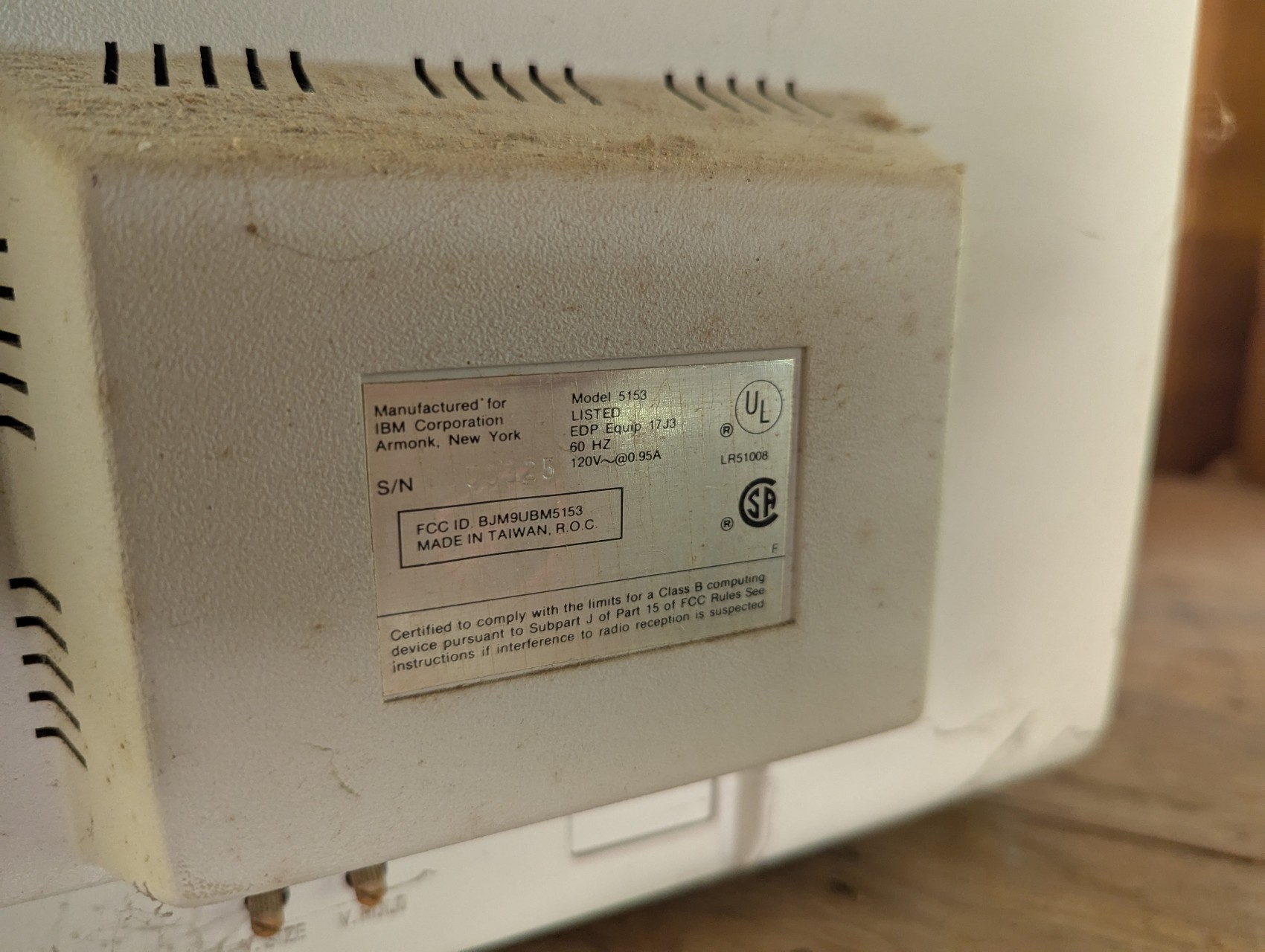
But, I don't have any computers that can output CGA video. It's a genuinely obsolete standard; every IBM-compatible owner who could moved to VGA around 1990. VGA is still common enough on monitors, and you can still get a VGA adapter for your computer today, but CGA? It's old. So how do I test this monitor?
The answer: an Arduino microcontroller board! The cheap, ubiquitous solution for poking wires at things and seeing what happens. It turns out that, in 2016, someone else was facing the same problem I was now, and they solved it. Now all I needed to accomplish was some light soldering.
Light soldering commenced. I needed 8 wires, which coincidentally is exactly the number of wires in a CAT5 Ethernet cable. And those are good-quality stranded copper wires, too. Once I realized that, most of my wire supply needs were met for life. IBM defined CGA as using a 9-pin connector, but pin 7 is "Reserved," and isn't even present on the video signal plug for IBM's own CGA monitor.
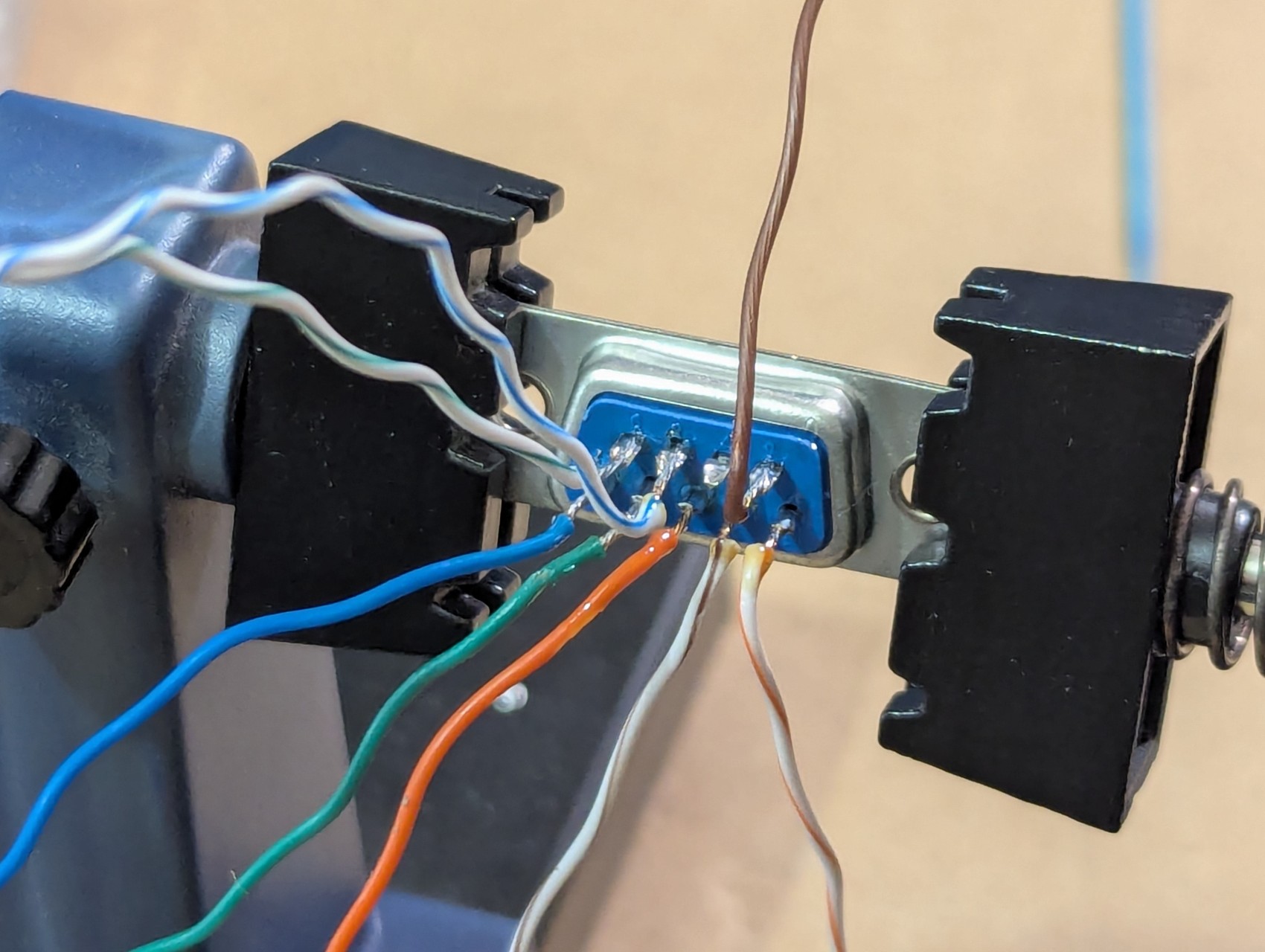
The finished product is janky. I didn't bundle up the wires with heat shrink tubing, there's no strain relief, and it looks as if I built it in half an hour in my garage. Because I built it in half an hour in my garage. But this isn't a permanent solution, this is a quick breakout adapter so I can poke wires at things.
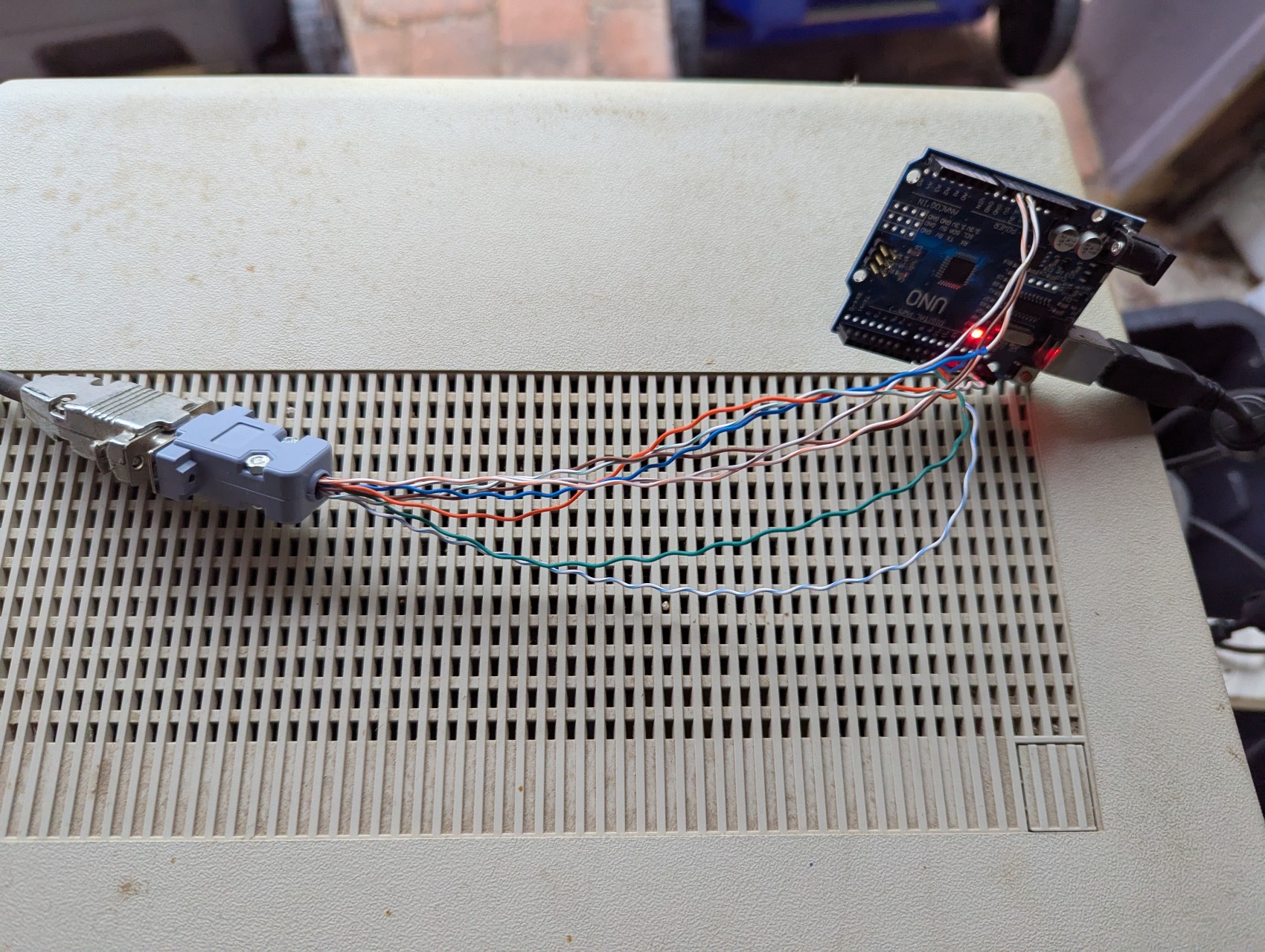
And you know what? It works! Not just the adapter, but the monitor itself! The program I used displays a set image in low-resolution monochrome green, but I could just move some wires around at the Arduino to get different colors. And the monitor has a beautiful, bright picture. I'm amazed at how good it looks for its age.
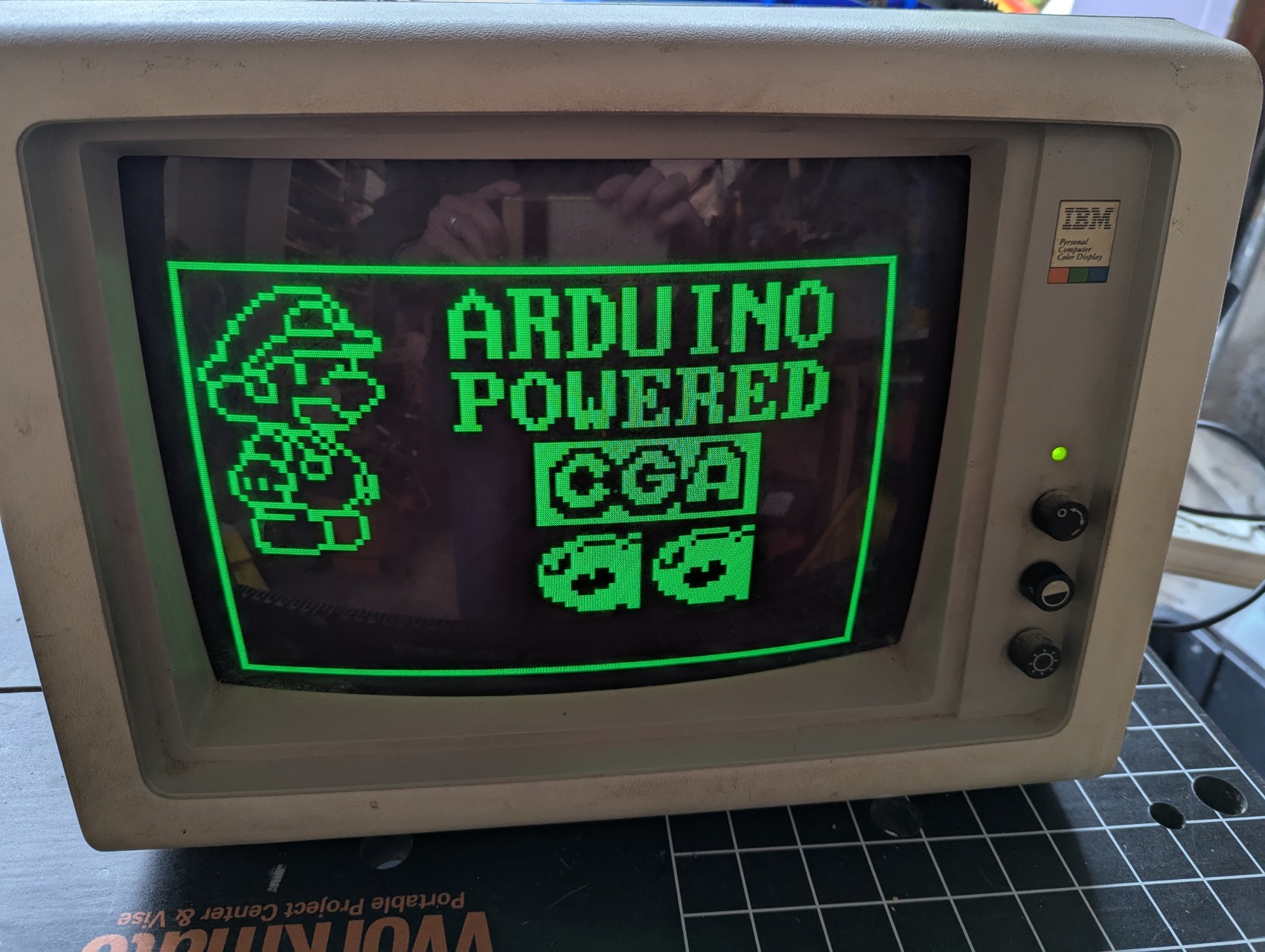
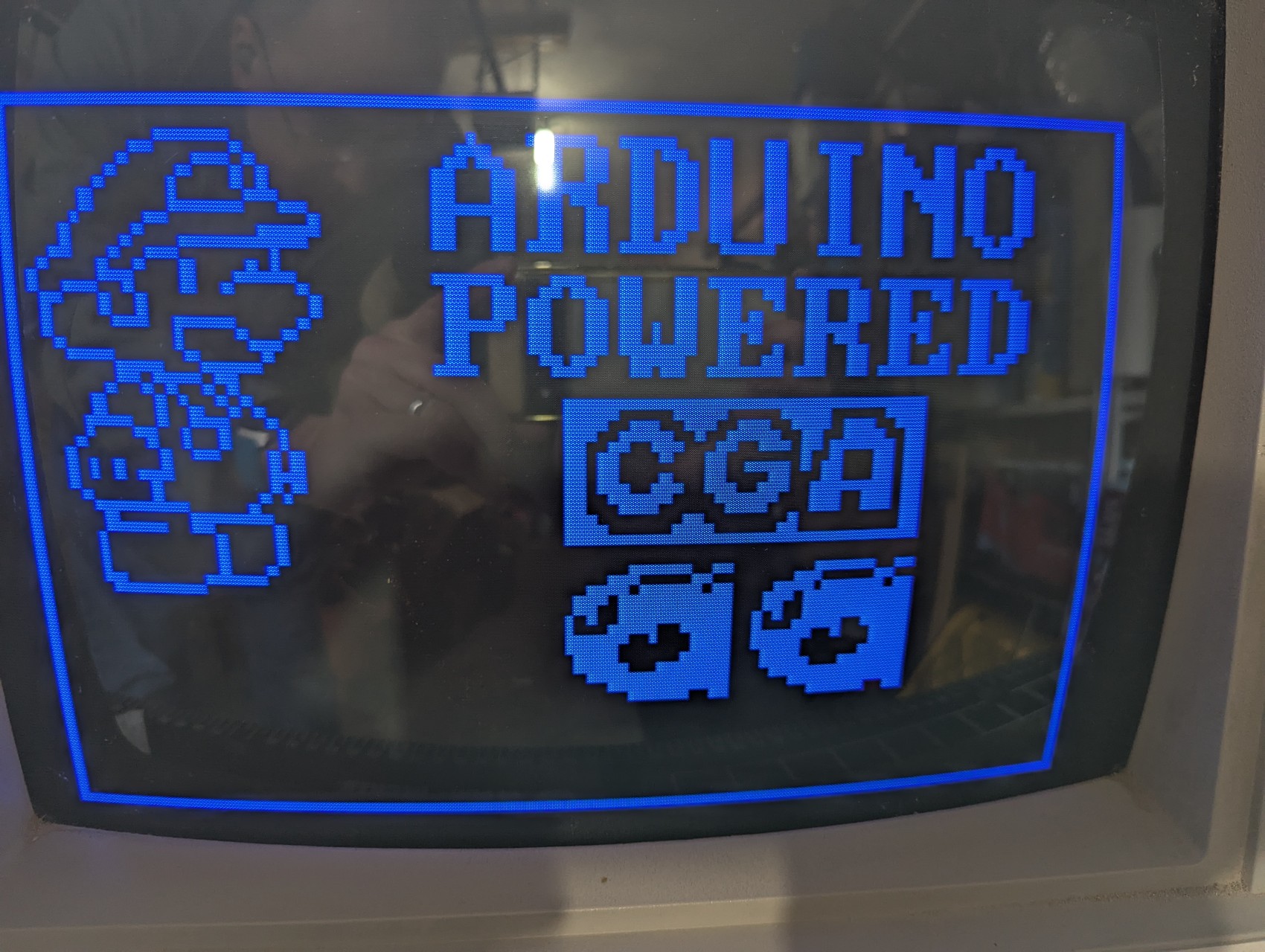
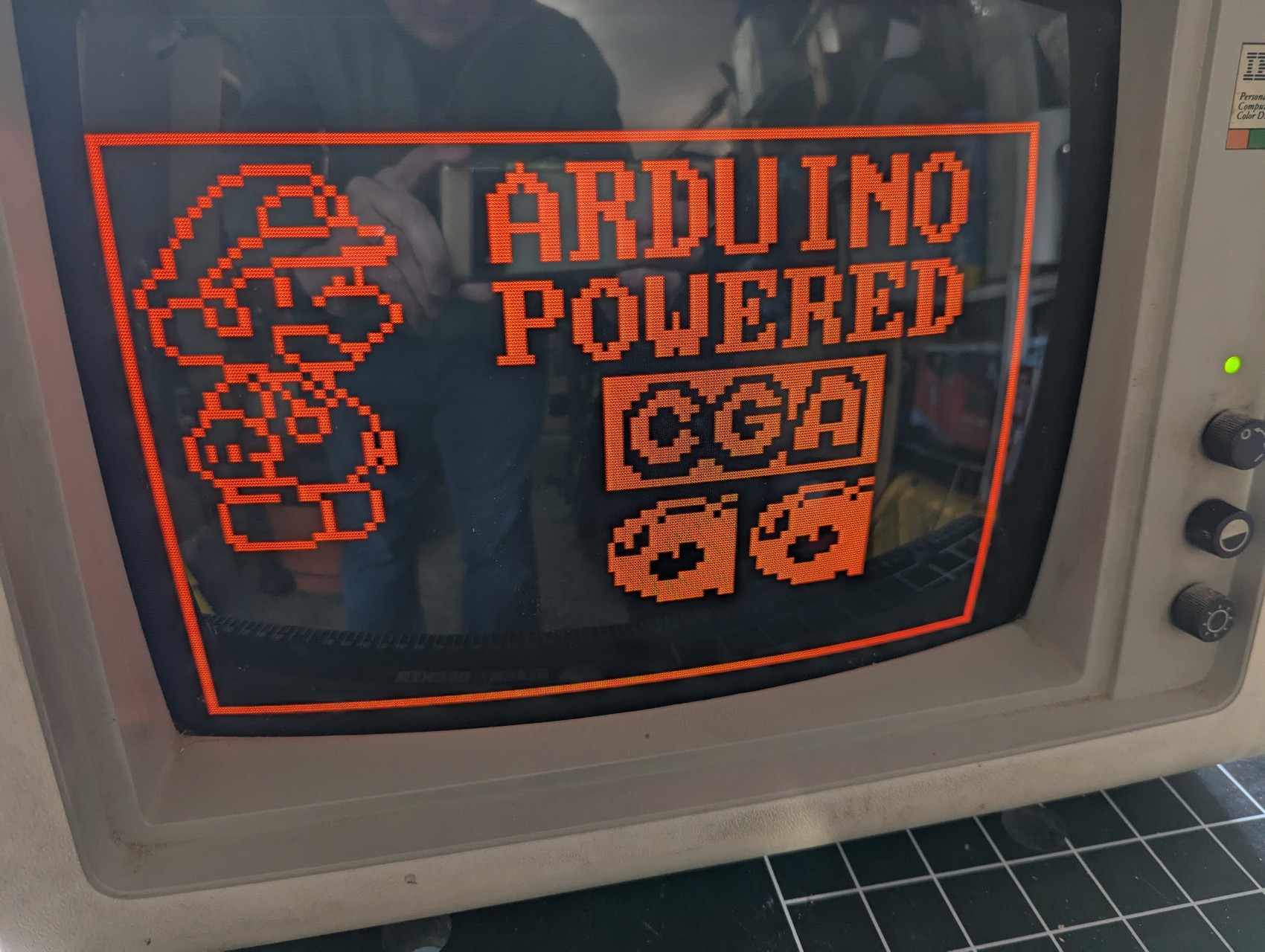
I don't have anything I want to do with this monitor. I don't have a use for it, even with my older computers. But I didn't want it to be crushed and disappear from the world, either. I'm going to reach out to my local retrocomputer community, see whether anyone wants to trade me anything for it. If not, I'll sell it later in 2026 at the MIT Swapfest, hopefully to someone who has been looking for a cool old display.
If you're reading this and you're that someone, reach out if you're interested! I won't ship the monitor, so you'll need to be local to Boston, Massachusetts.